
MIDI Engine.
Write the change you want in a clip name, and when the playhead reaches the clip the message goes out to your hardware.
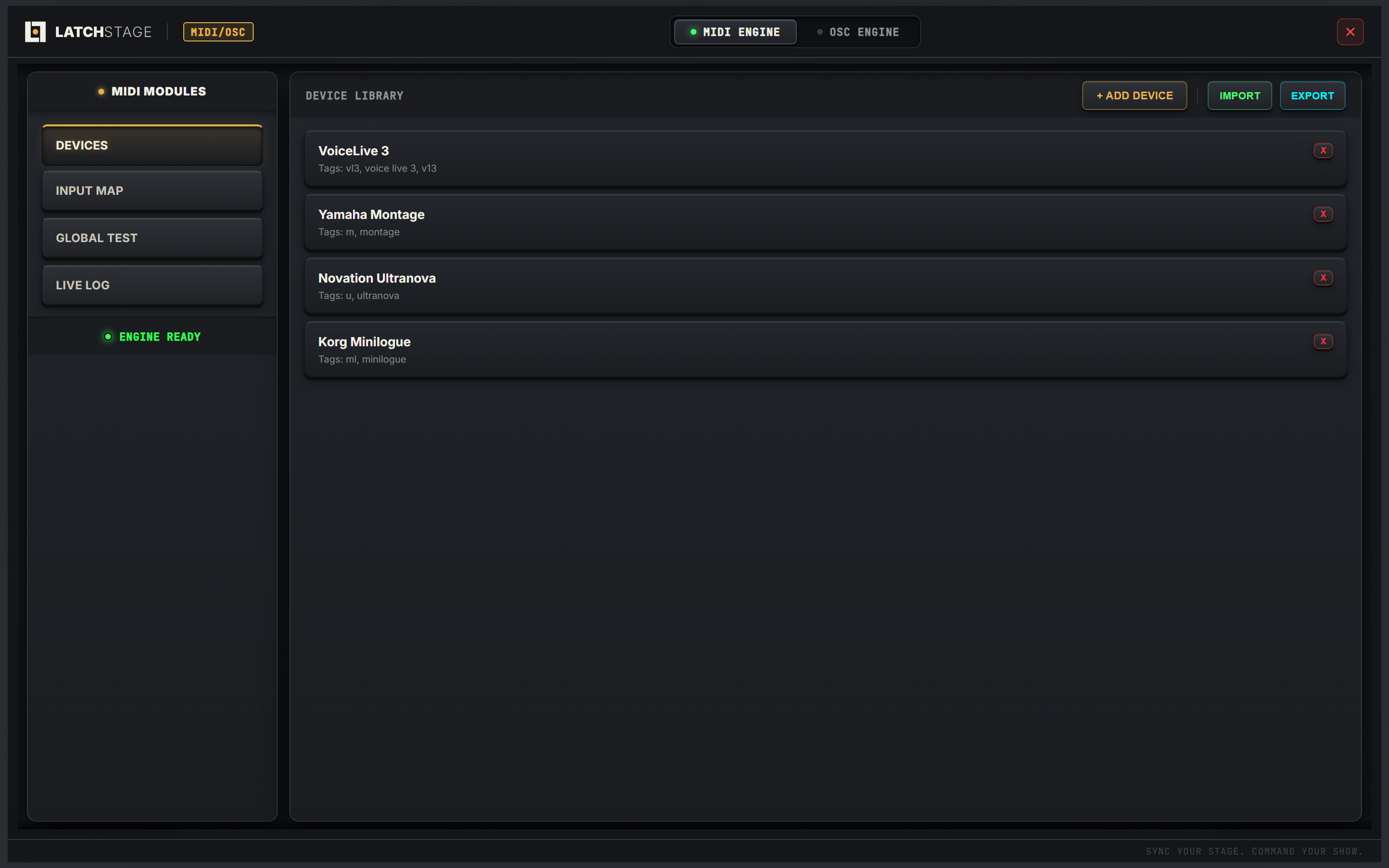
The MIDI Engine makes the Live Set drive external hardware. Write the change you want in a clip name, such as vl3: preset 12, and when the playhead reaches the clip, the message goes out to the device.
It reads clips only from tracks named Latch Stage - Midi Scripts, so a clip called reverb on an audio track never fires hardware by accident.
Key features#
- Fifteen message types, no code. Control Change, Program Change, 14-bit CC, Note On/Off, NRPN and RPN, Pitch Bend, Aftertouch, SysEx, MMC, Panic and more, each defined in an editor.
- Pre-Fire Delay. Sends the message early, so hardware that is slow to change a preset is ready on the beat.
- Several devices in one clip.
vl3: preset 12 | montage: vol 80. The order you write is the order that is sent, and each>adds one beat of delay at Live’s current tempo.
- Advanced Script. For a checksum or an unusual message, a command can run a script in a restricted sandbox. COPY AI PROMPT prepares a briefing for an AI assistant, for operators who do not write code.
- Test before the show. TEST ON HARDWARE and GLOBAL TEST verify the show’s clip names at the desk instead of on stage; LIVE LOG shows everything sent, as it happens.
- INPUT MAP. The other direction: a footswitch, a pad controller or a fader bank drives Latch Stage (transport, navigation, songs, scenes, mixer and views), mapped with LEARN.
On stage role#
The Set changes the hardware where the change is written. The device library moves between machines as one file, and templates ship for TC VoiceLive 3, Yamaha Montage, Novation Ultranova and Korg Minilogue.
Editions & requirements#
- Editions: Suite
- Requirements: Ableton Live 11 or 12 on macOS or Windows. The messages leave through Live: each virtual port must be enabled as a control surface with an Output assigned.