
Interfaces.
Real-time performance views for musicians, directors, and crew on tablets and phones.
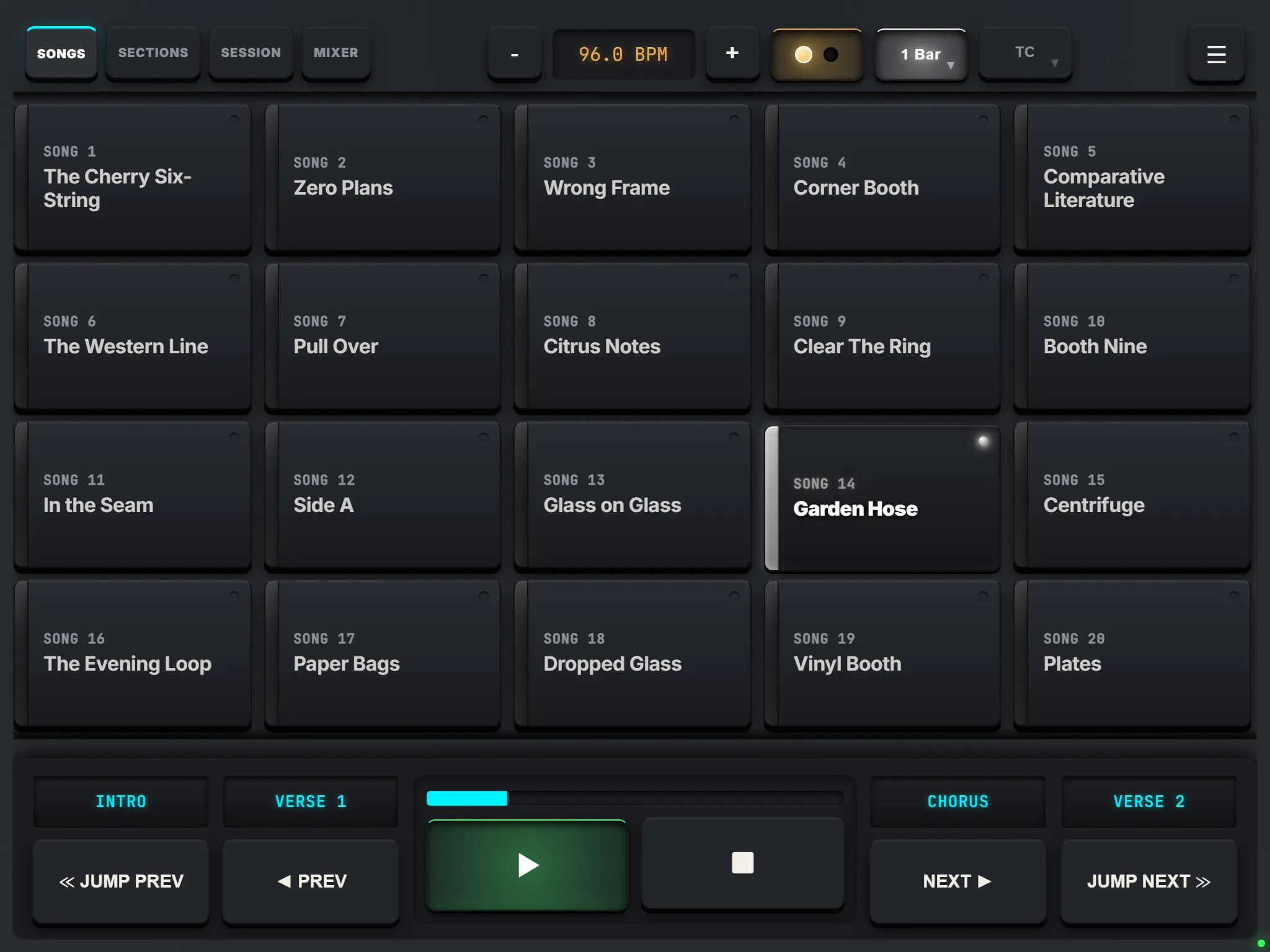
The main screen, and the only one you need in Solo. Every song is a large button with its colour, number and title.
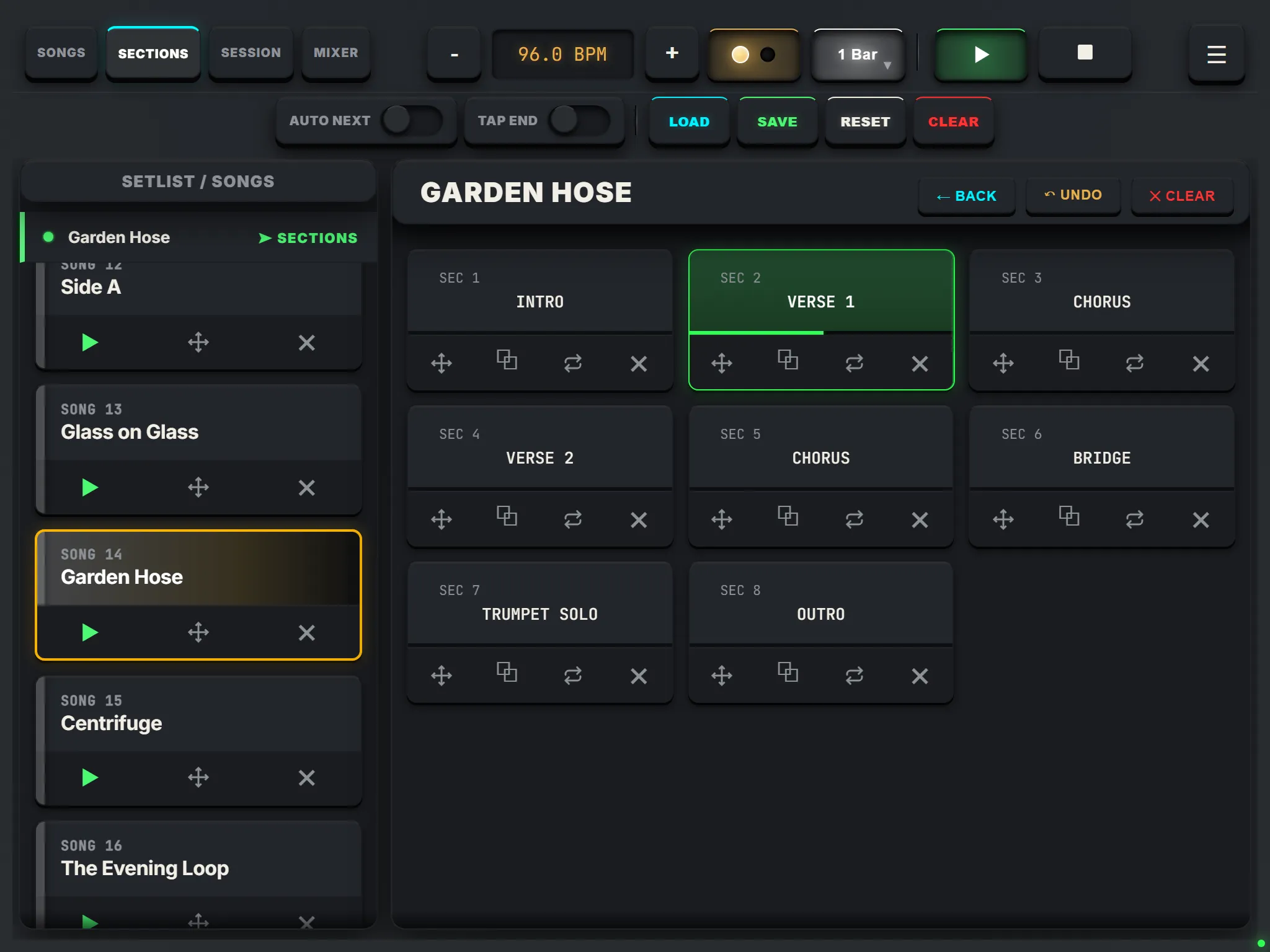
Skip a verse, repeat a chorus, loop a section or reorder the setlist during the show, without editing the Ableton Set.
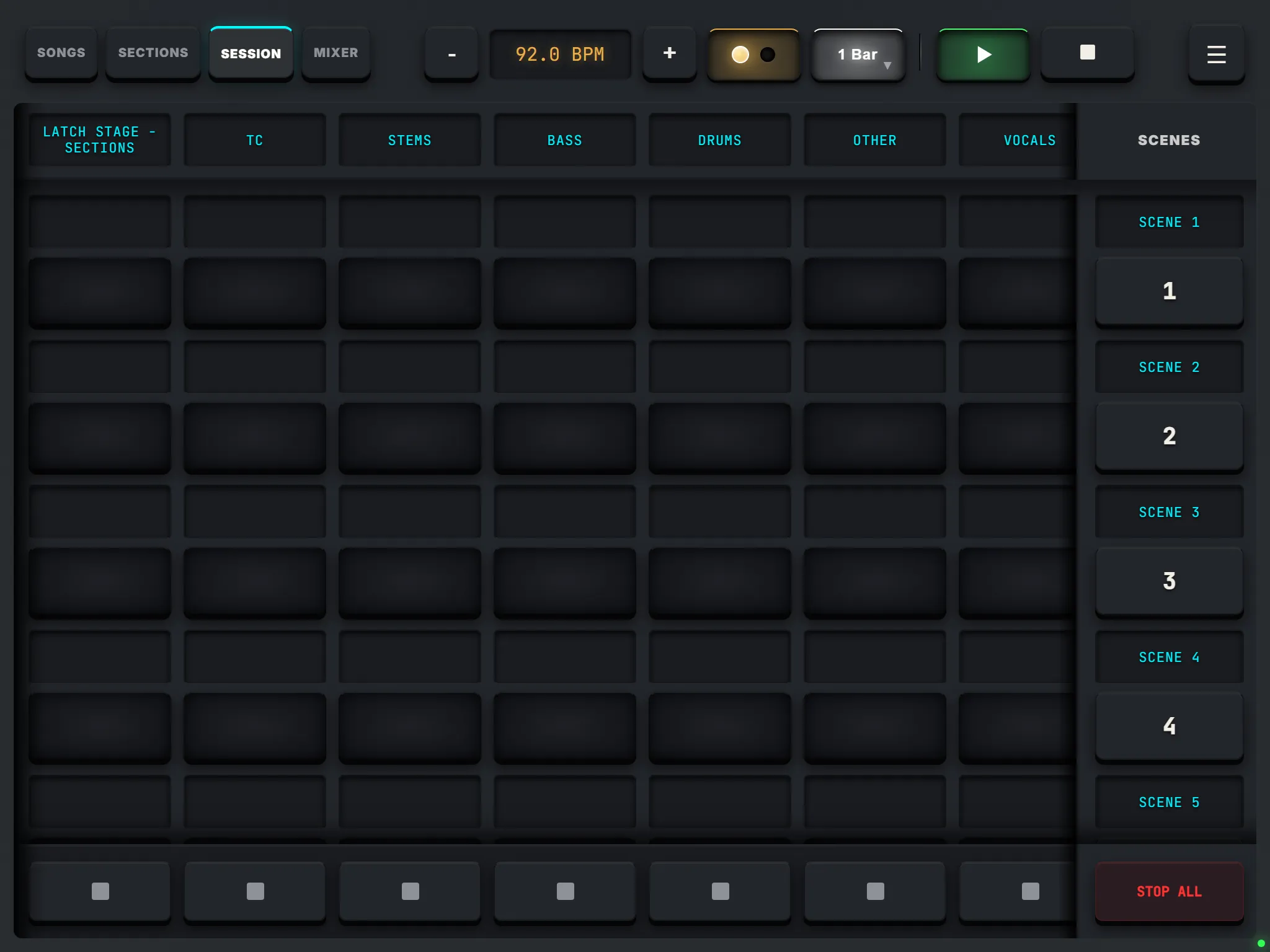
Tracks across, scenes down. Tap a clip to launch it, fire whole scenes, stop one track or everything.
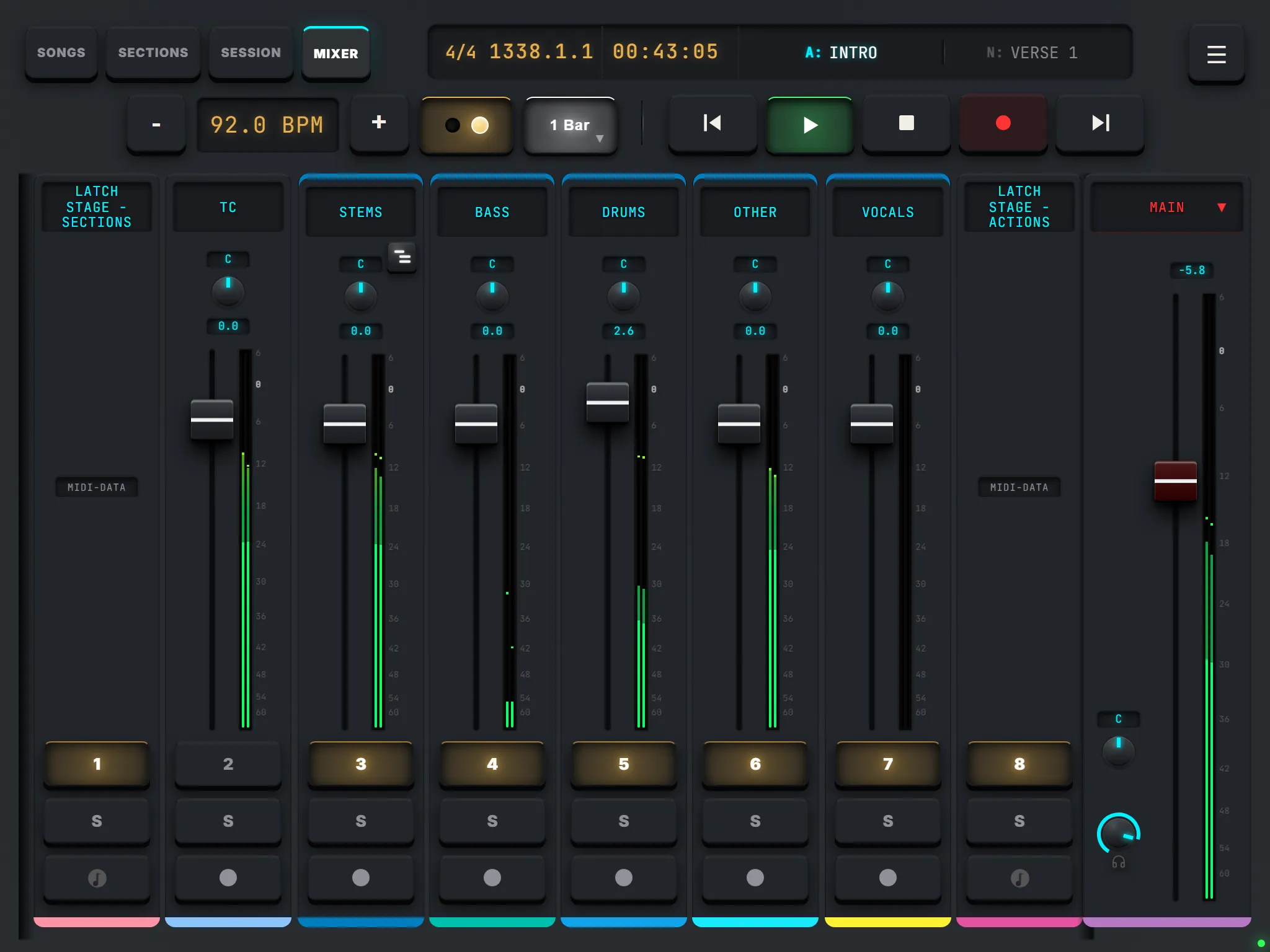
Every track with its name and colour from the Set: fader, pan, live VU meter, mute, solo and arm.
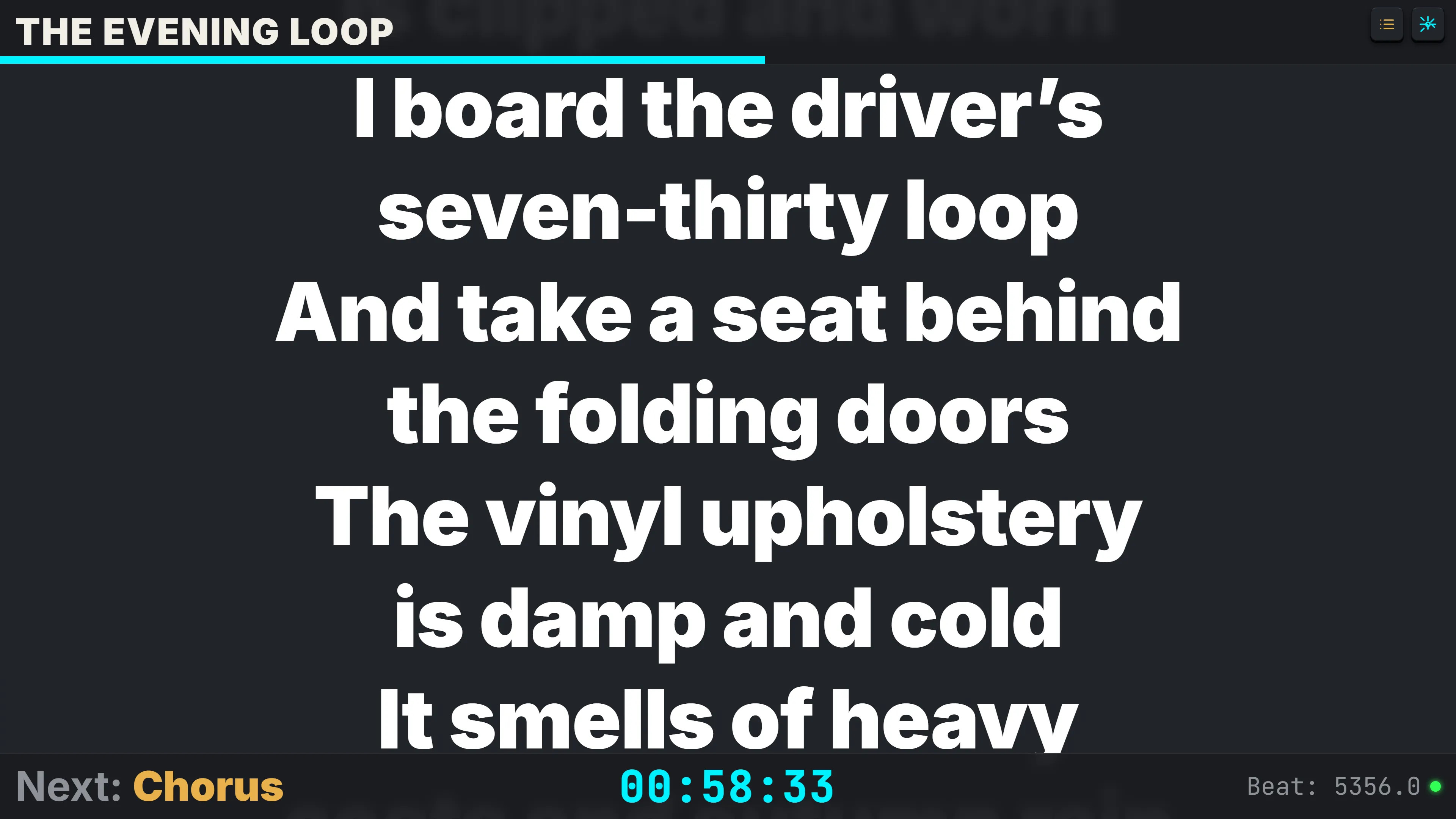
The Teleprompter shows the lyrics of the song being played, in sync with Live, in a form legible from a distance under stage light.
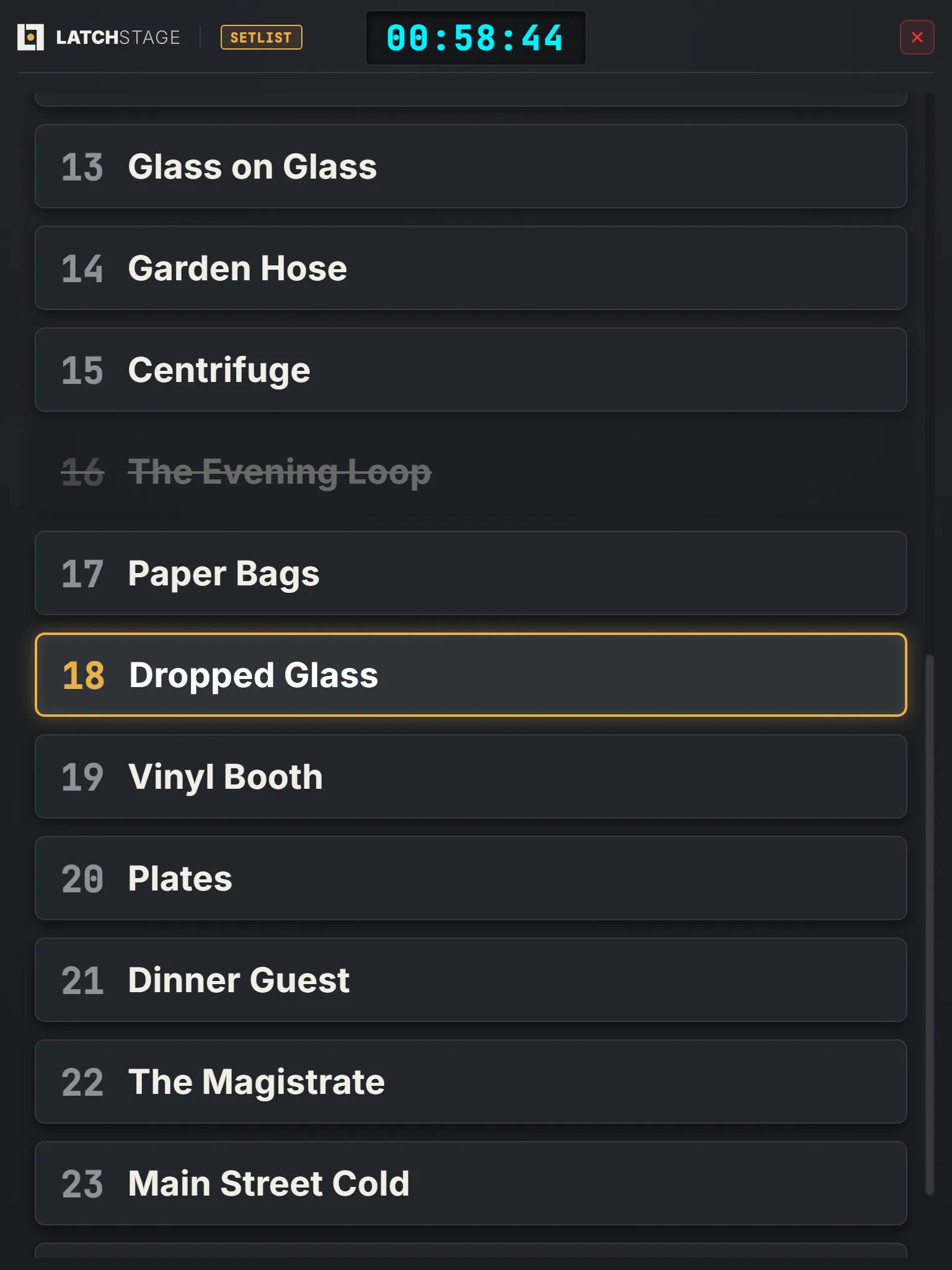
A read-only setlist with the show timer, for the musicians who need to know where the show is.
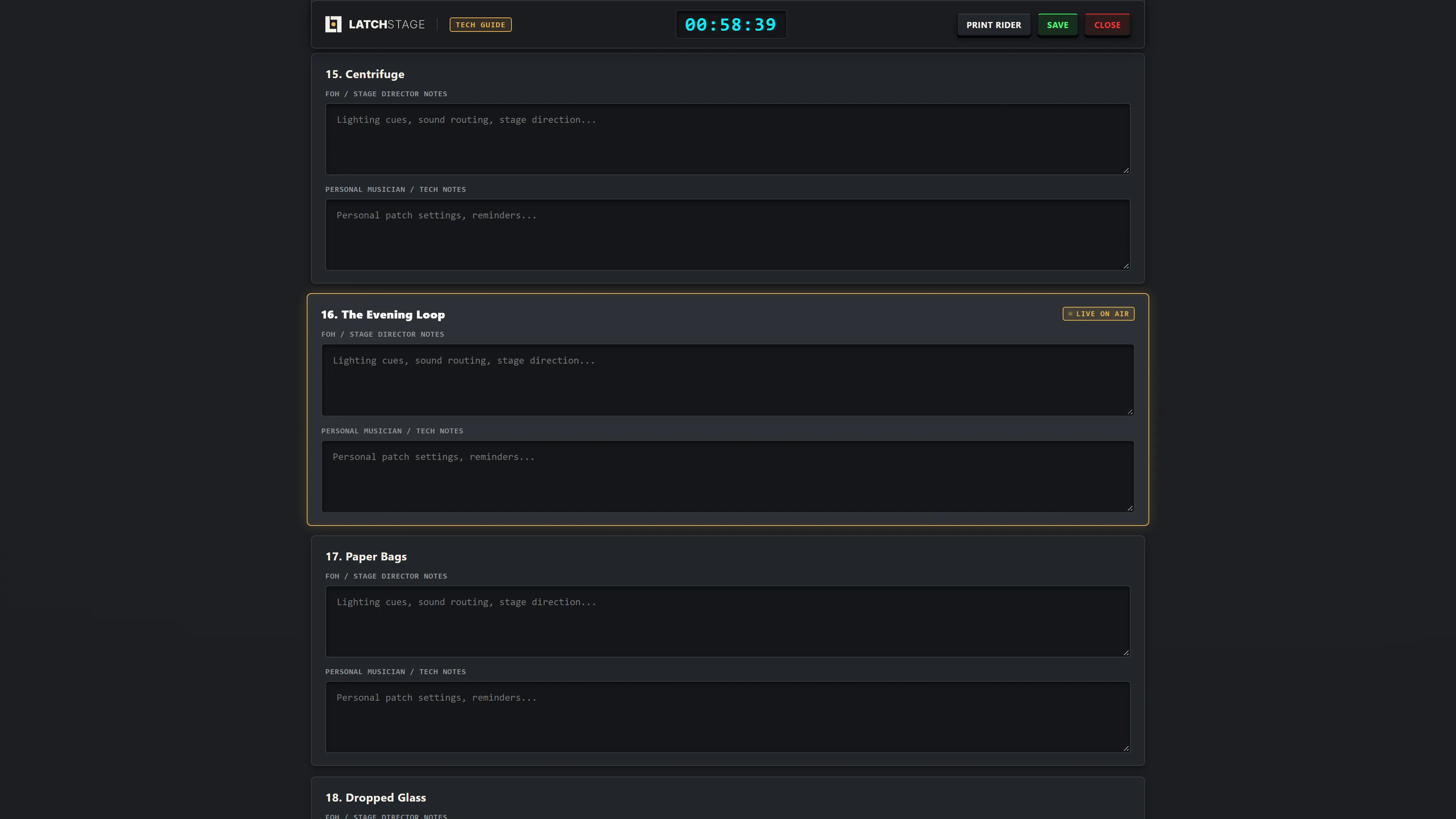
The show's technical guide inside the app: master notes and one card per song, synchronised across the crew.