
Features.
Screens for the stage, tools to prepare the Set, and engines that drive your hardware from clip names.
Interfaces
Real-time performance views for musicians, directors, and crew on tablets and phones.
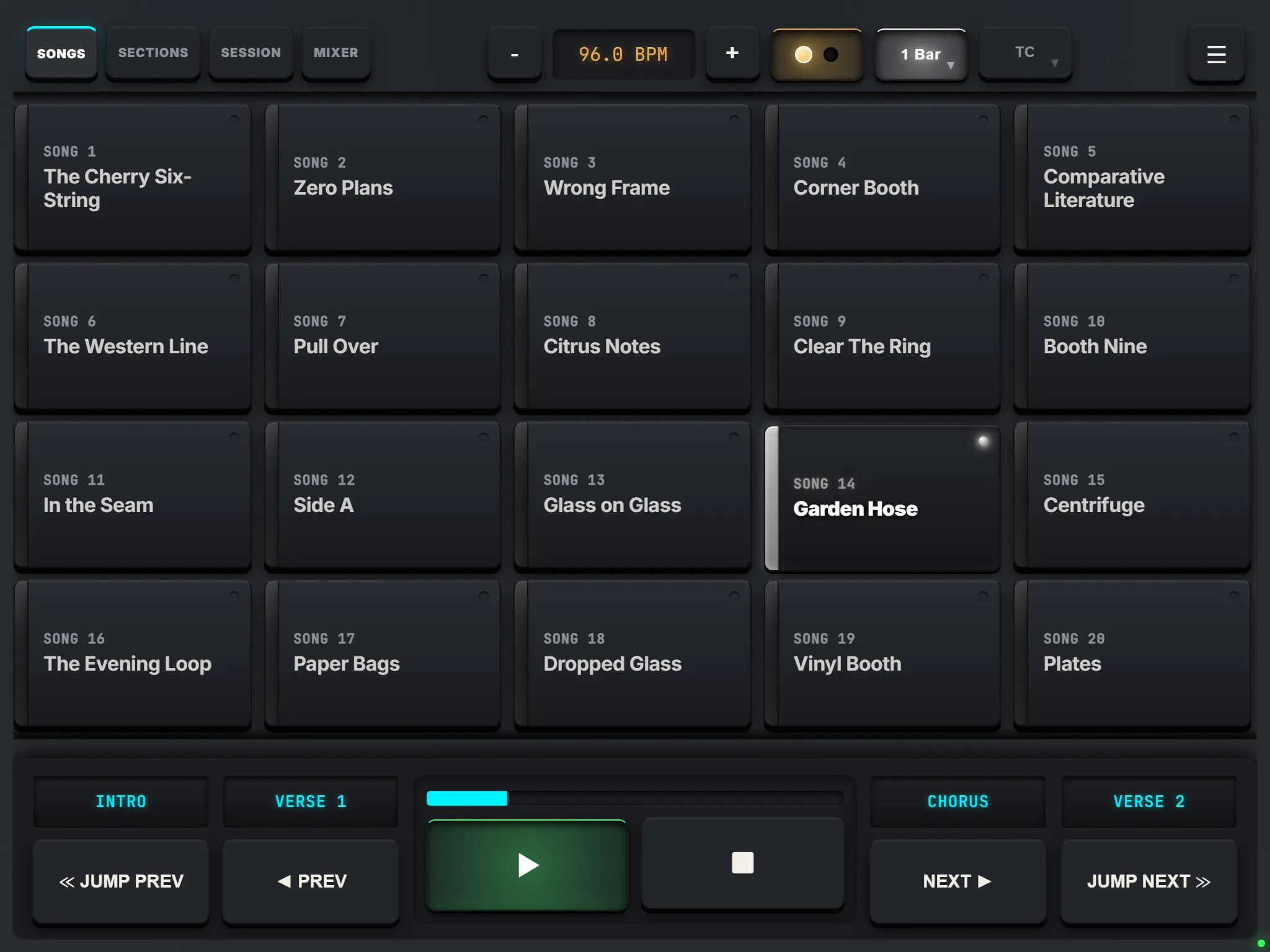
The main screen, and the only one you need in Solo. Every song is a large button with its colour, number and title.
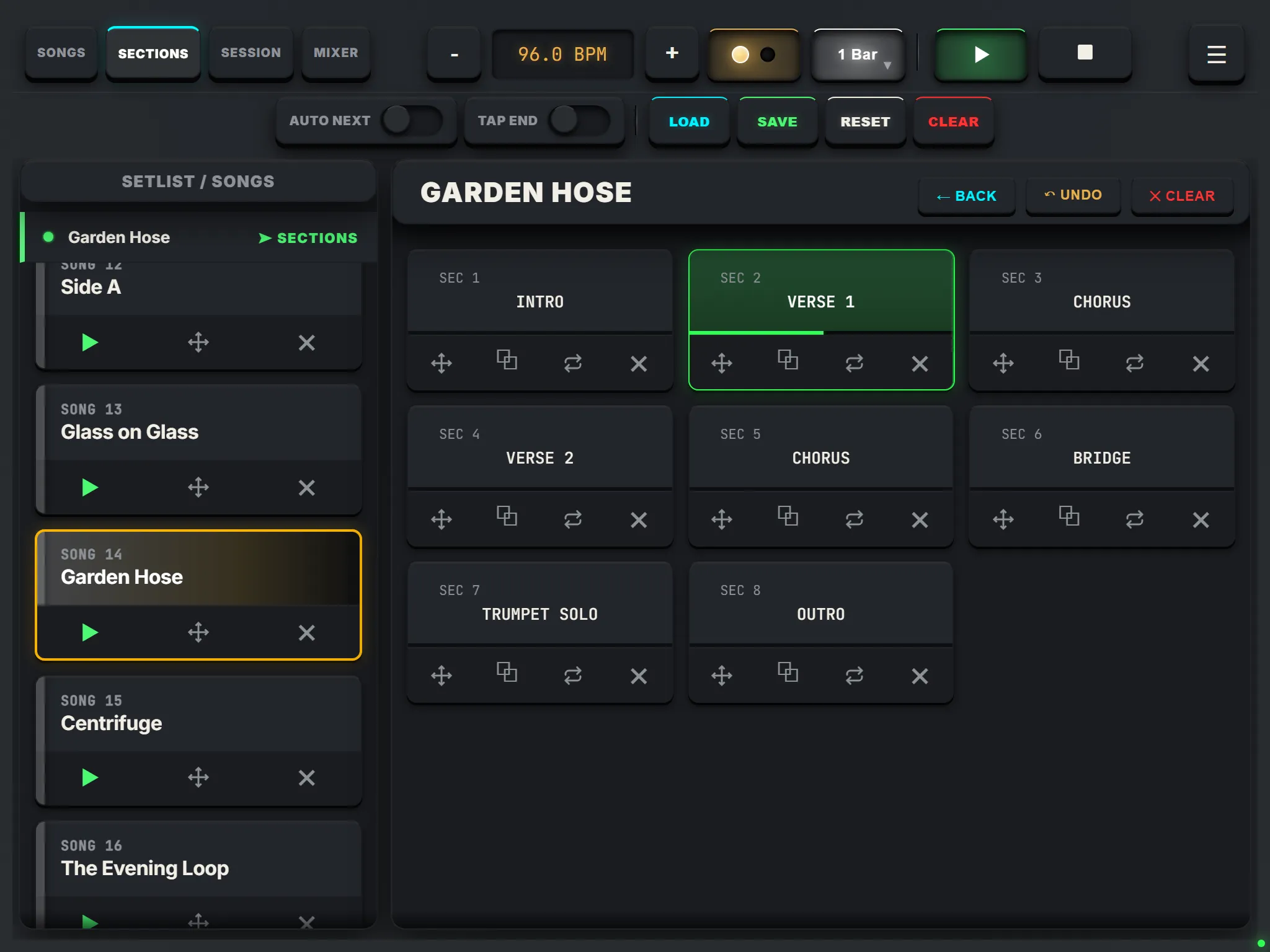
Skip a verse, repeat a chorus, loop a section or reorder the setlist during the show, without editing the Ableton Set.
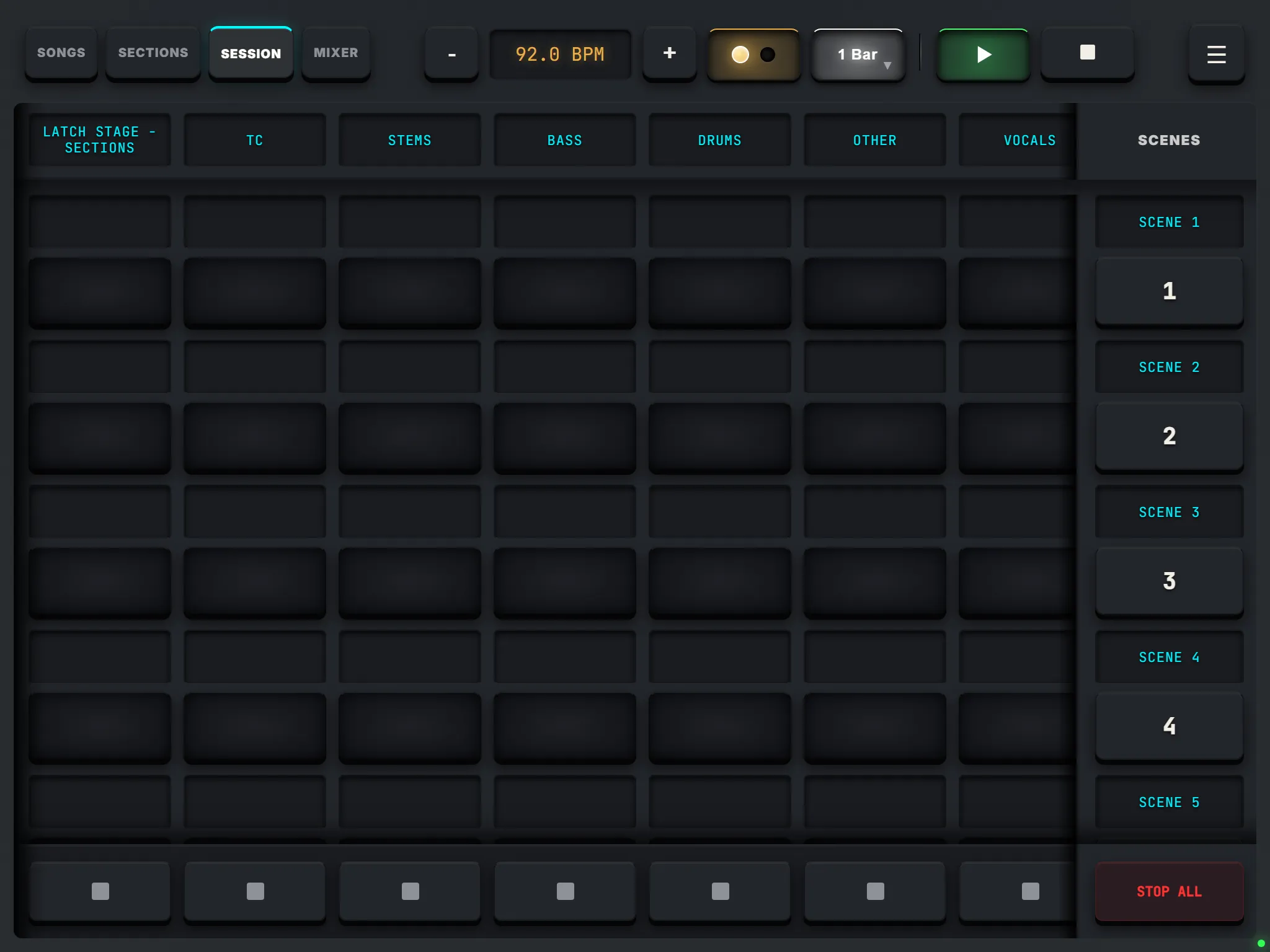
Tracks across, scenes down. Tap a clip to launch it, fire whole scenes, stop one track or everything.
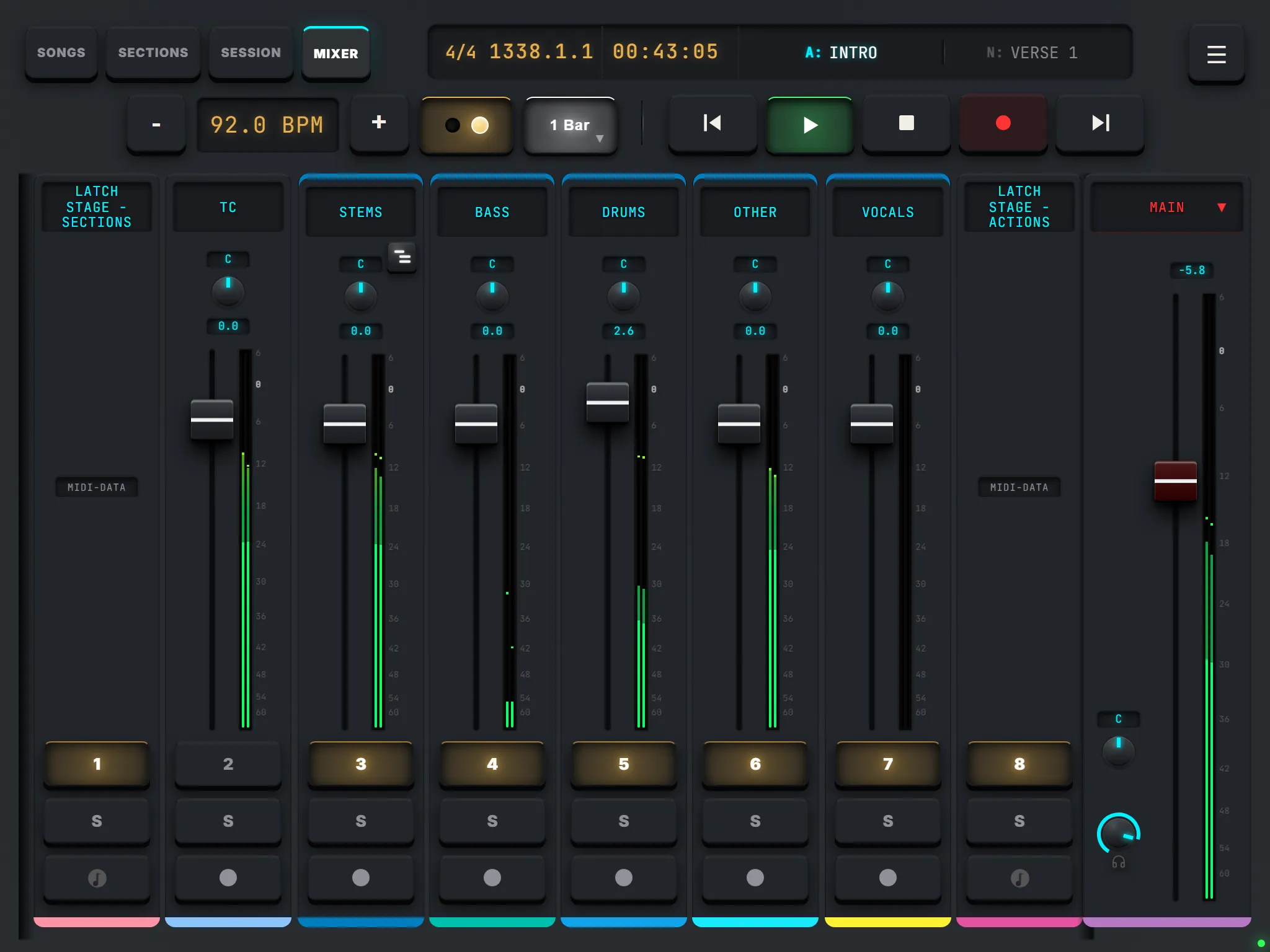
Every track with its name and colour from the Set: fader, pan, live VU meter, mute, solo and arm.
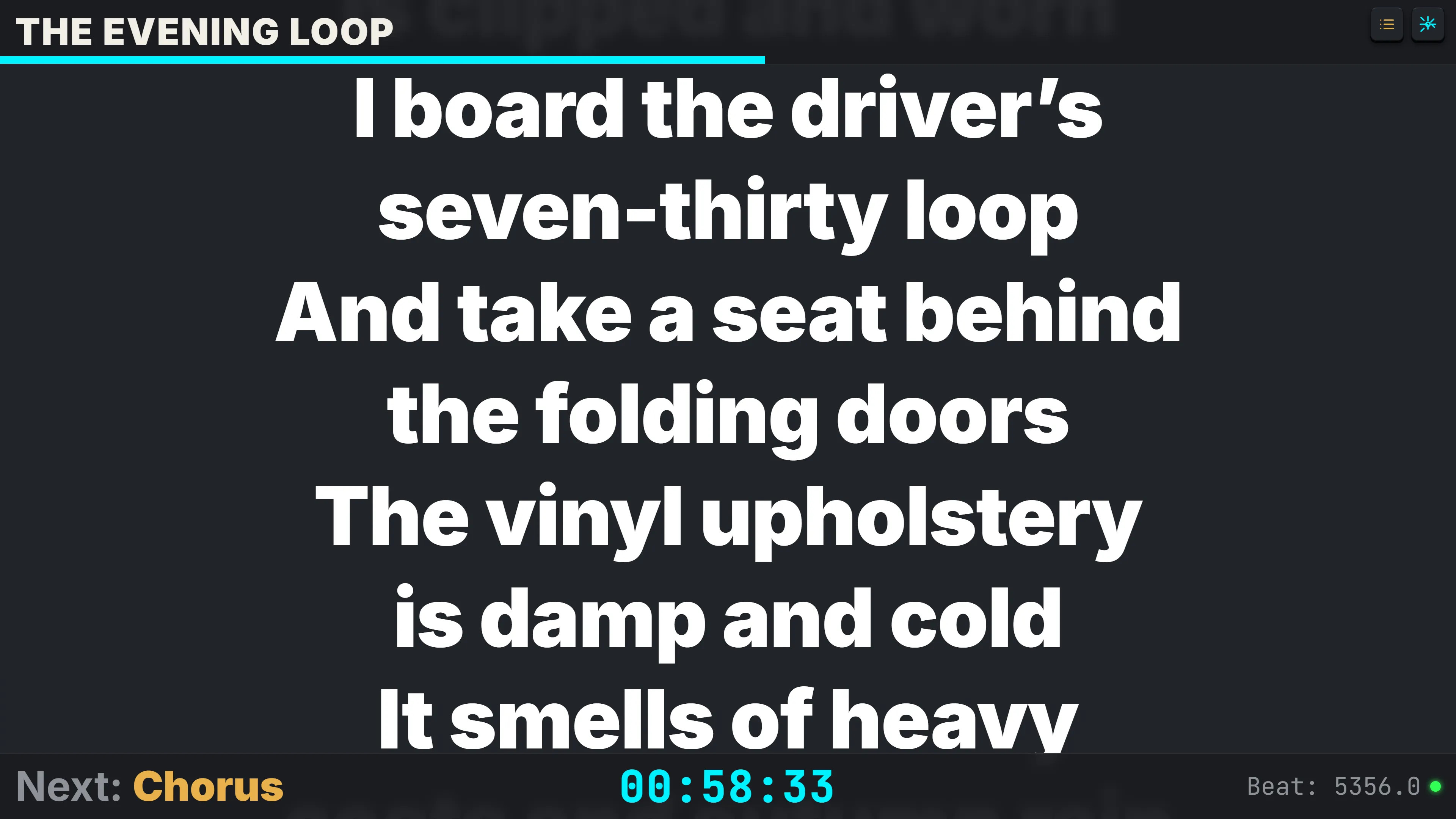
The Teleprompter shows the lyrics of the song being played, in sync with Live, in a form legible from a distance under stage light.
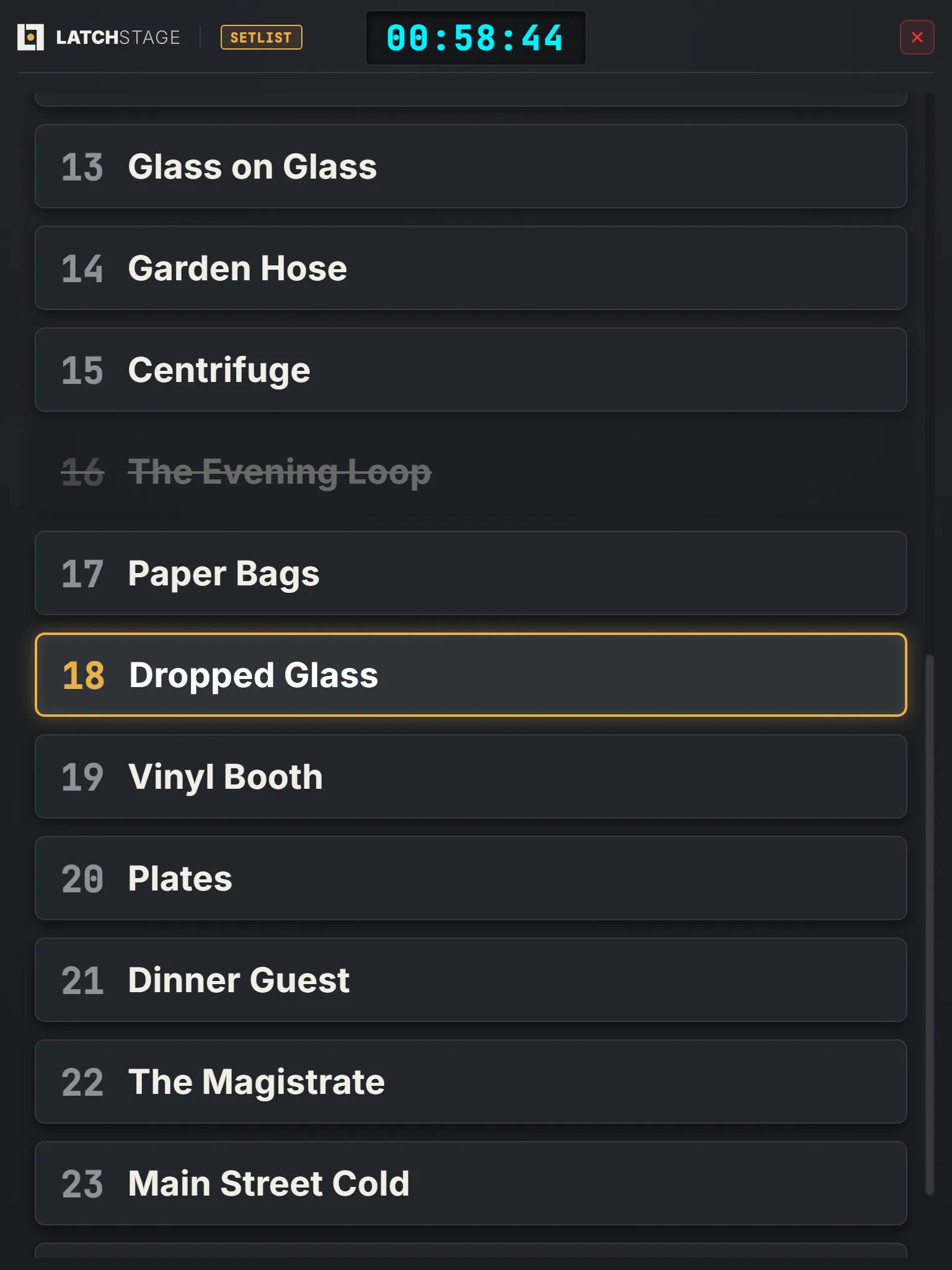
A read-only setlist with the show timer, for the musicians who need to know where the show is.
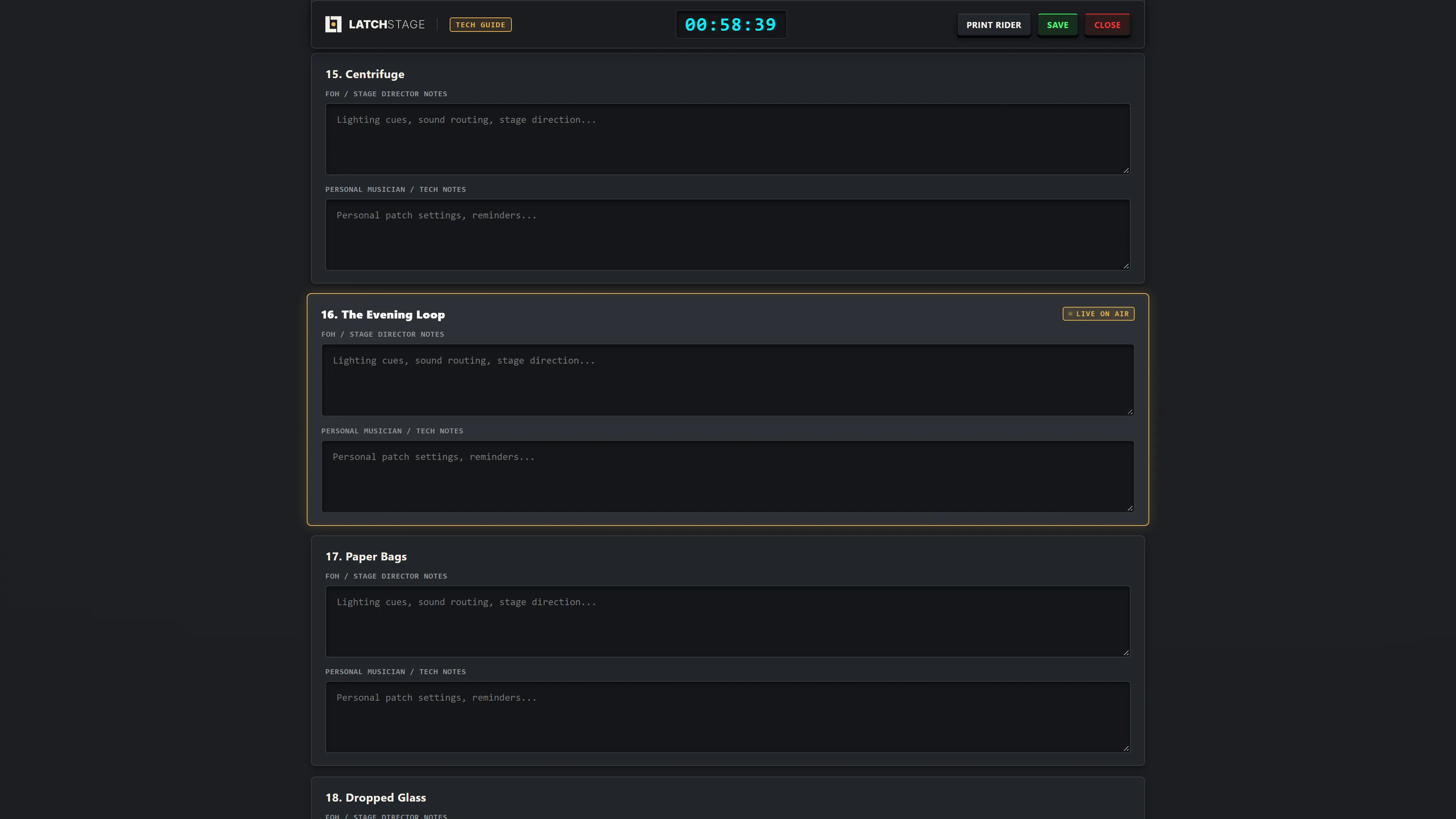
The show's technical guide inside the app: master notes and one card per song, synchronised across the crew.
Tools
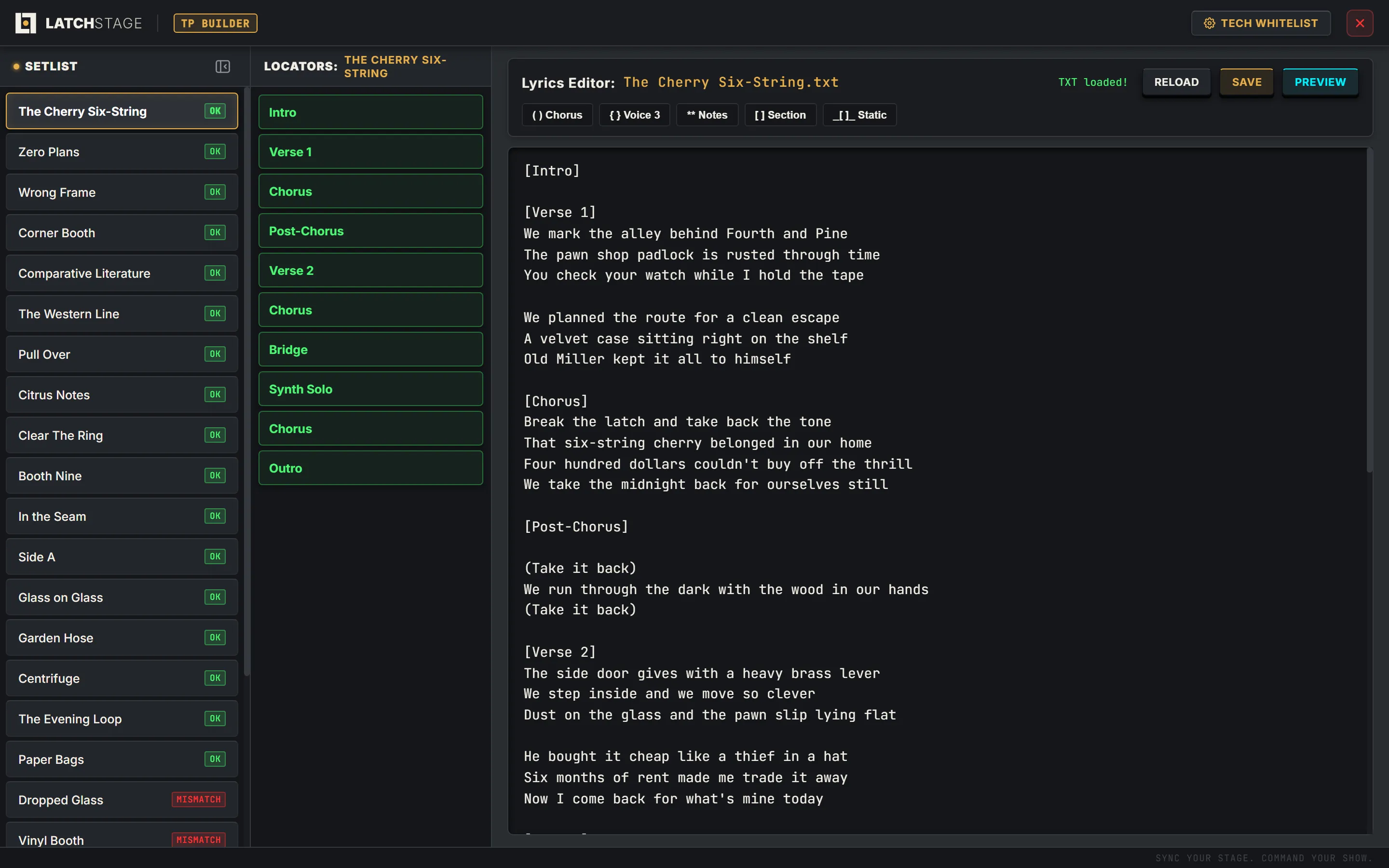
Preparation utilities for the hours before the doors open: lyrics that line up with your Set, and locators built from clips.
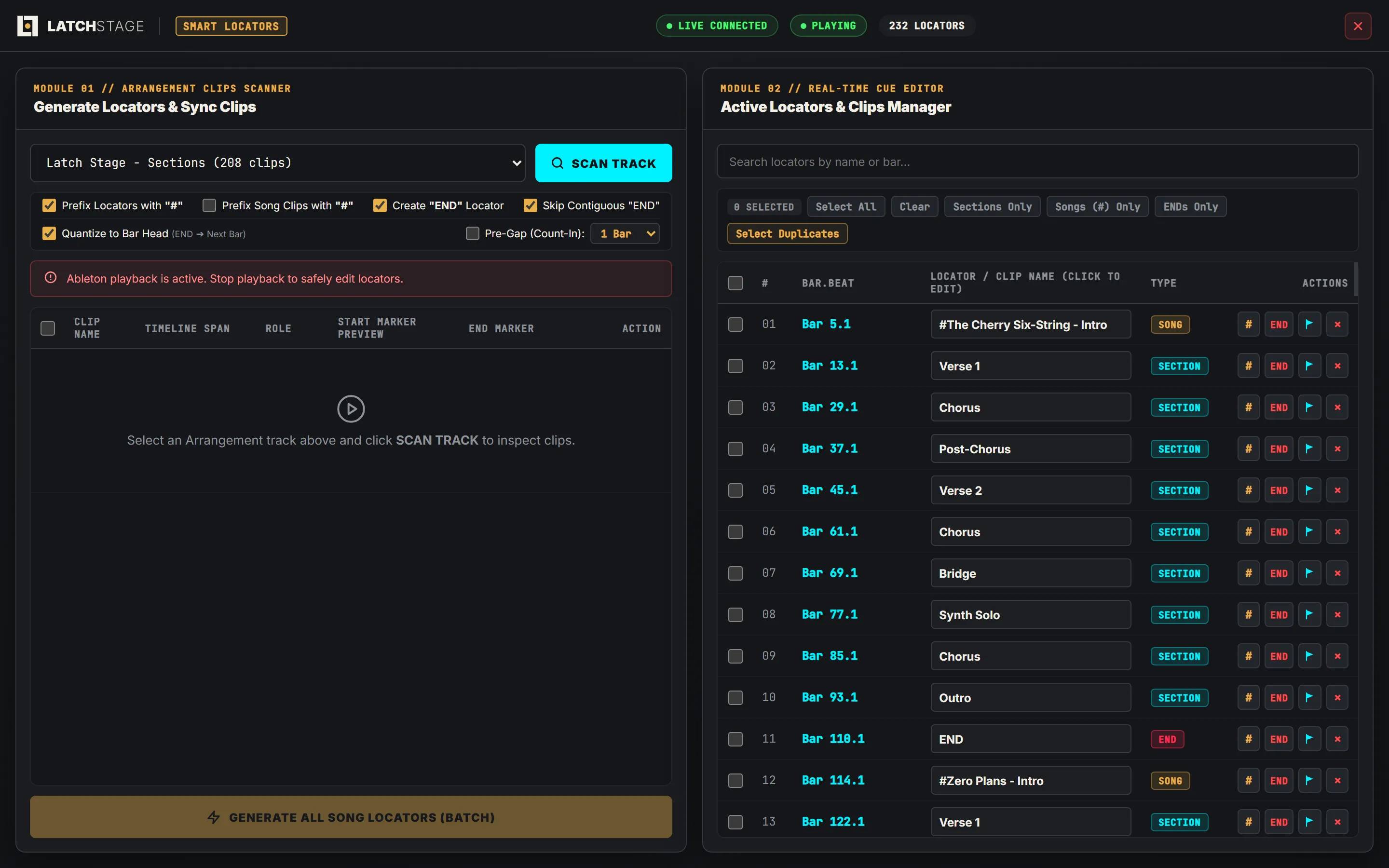
Engines
MIDI, OSC and Live commands written as clip names, run when the playhead reaches them.
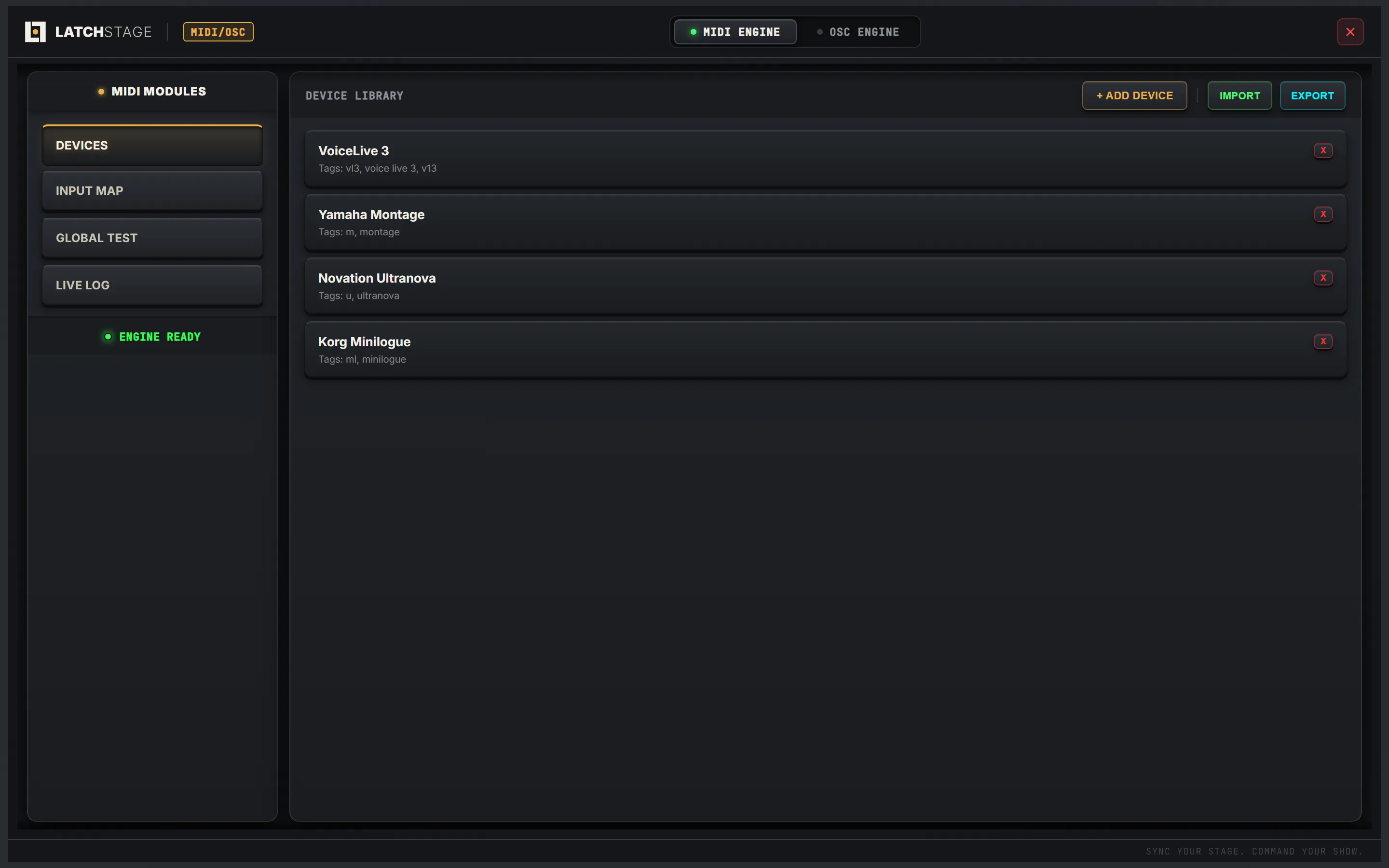
Write the change you want in a clip name, and when the playhead reaches the clip the message goes out to your hardware.
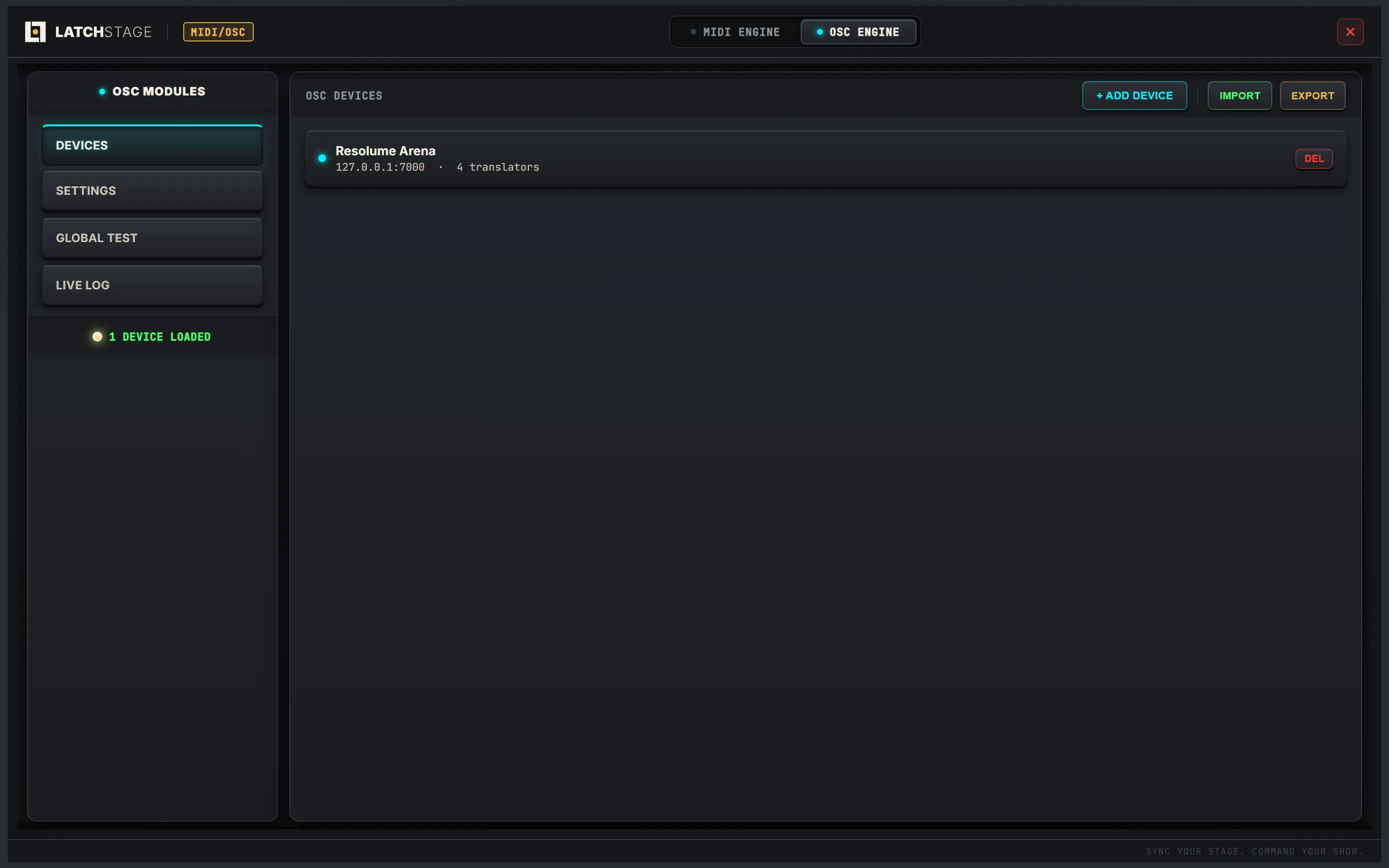
Clip names drive visuals and lighting software, such as media servers and lighting desks, over Ethernet or Wi-Fi.
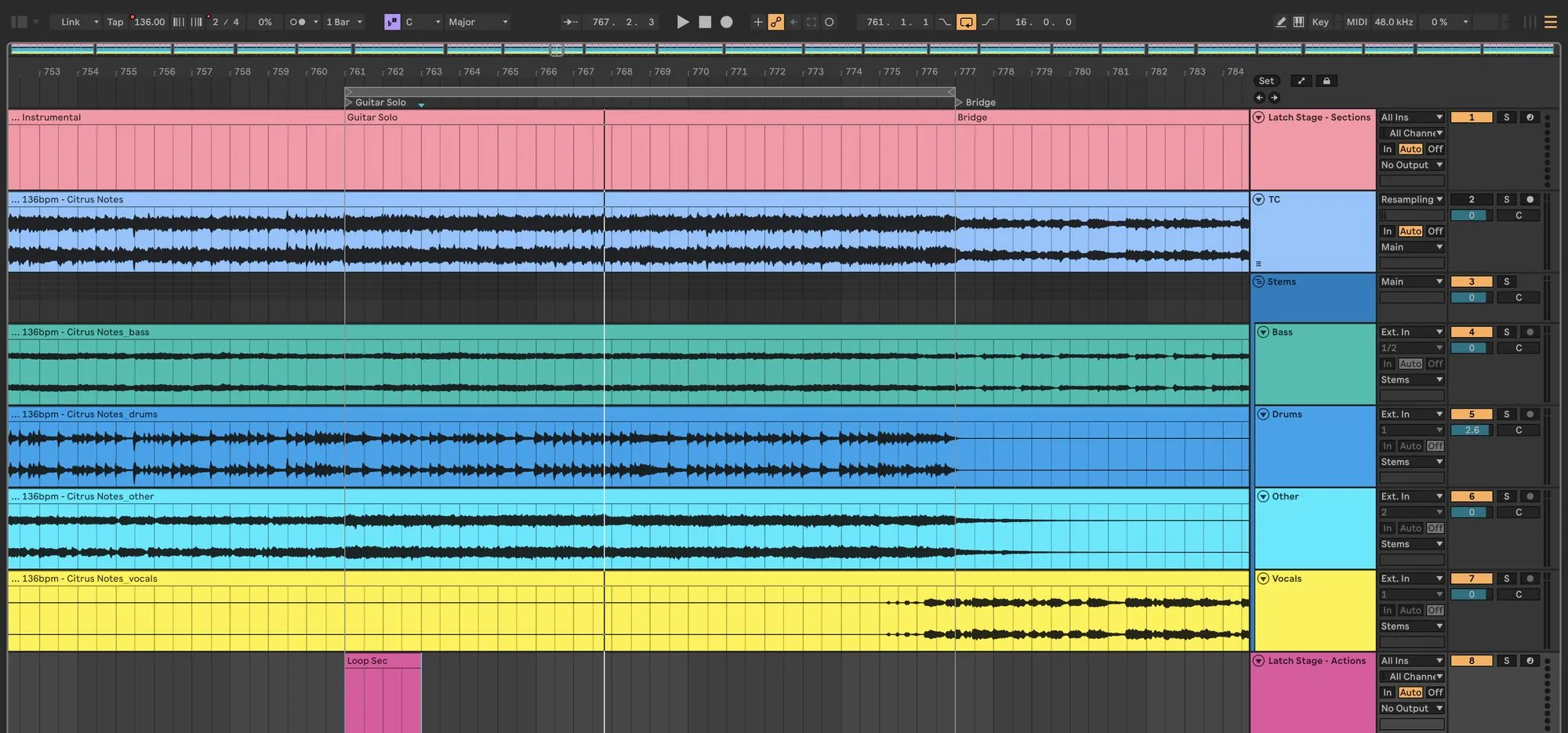
Tempo changes, jumps, loops, metronome and time signature, written as clip names where they happen on the timeline.