
Stage Teleprompter.
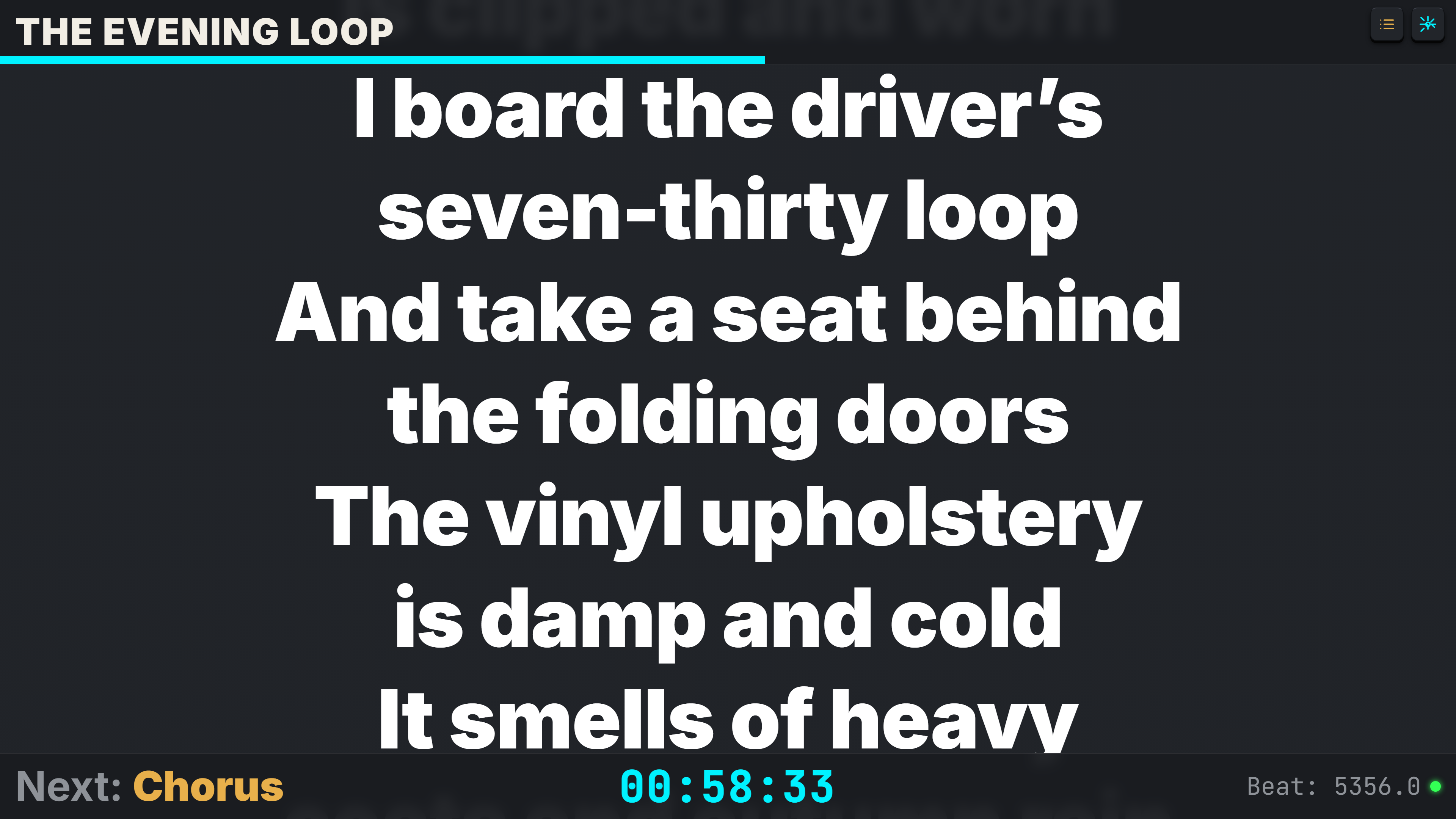
The Teleprompter shows the lyrics of the song being played, in sync with Live, in a form legible from a distance under stage light.
Video overview
The Stage Teleprompter (/tp) shows the lyrics of the song being played, in sync with Live, in a form legible from a distance under stage light.
Lyrics are plain .txt files loaded automatically from the lyrics folder when a song starts, with no database and no import step.
The lyric scrolls past a setpoint at the vertical centre of the screen, so the line being sung is always at the same height.
Key features#
- Files found by name. A
.txtfile in the lyrics folder is matched to its song by name, even with a track number in front or the artist after it.
- Voices in colour. Lead lines, backing vocals, third voices and non-sung cues each have their own colour and format.
- Follows the locators. Section tags pair with Live’s locators, or with scene names in Session mode, so the lyrics stay in place through jumps, loops and repeats made in Sections View.
- Static sections. Normal sections scroll; a static section fills the screen and holds until it is released.
- Each screen its own size. Every musician sets font size, centre offset and header on their own device, without changing anyone else’s.
- Setlist on hand. The full setlist and the show timer open on top of the lyrics.
On stage role#
For singers: the words, the harmony parts and where the song is, readable under stage light without touching anything.
Editions & requirements#
- Editions: Standard · Suite
- Requirements: Ableton Live 11 or 12 running on macOS or Windows; any tablet, phone, or laptop browser connected over the local network; lyrics saved as
.txtfiles.