
Session View.
Tracks across, scenes down. Tap a clip to launch it, fire whole scenes, stop one track or everything.
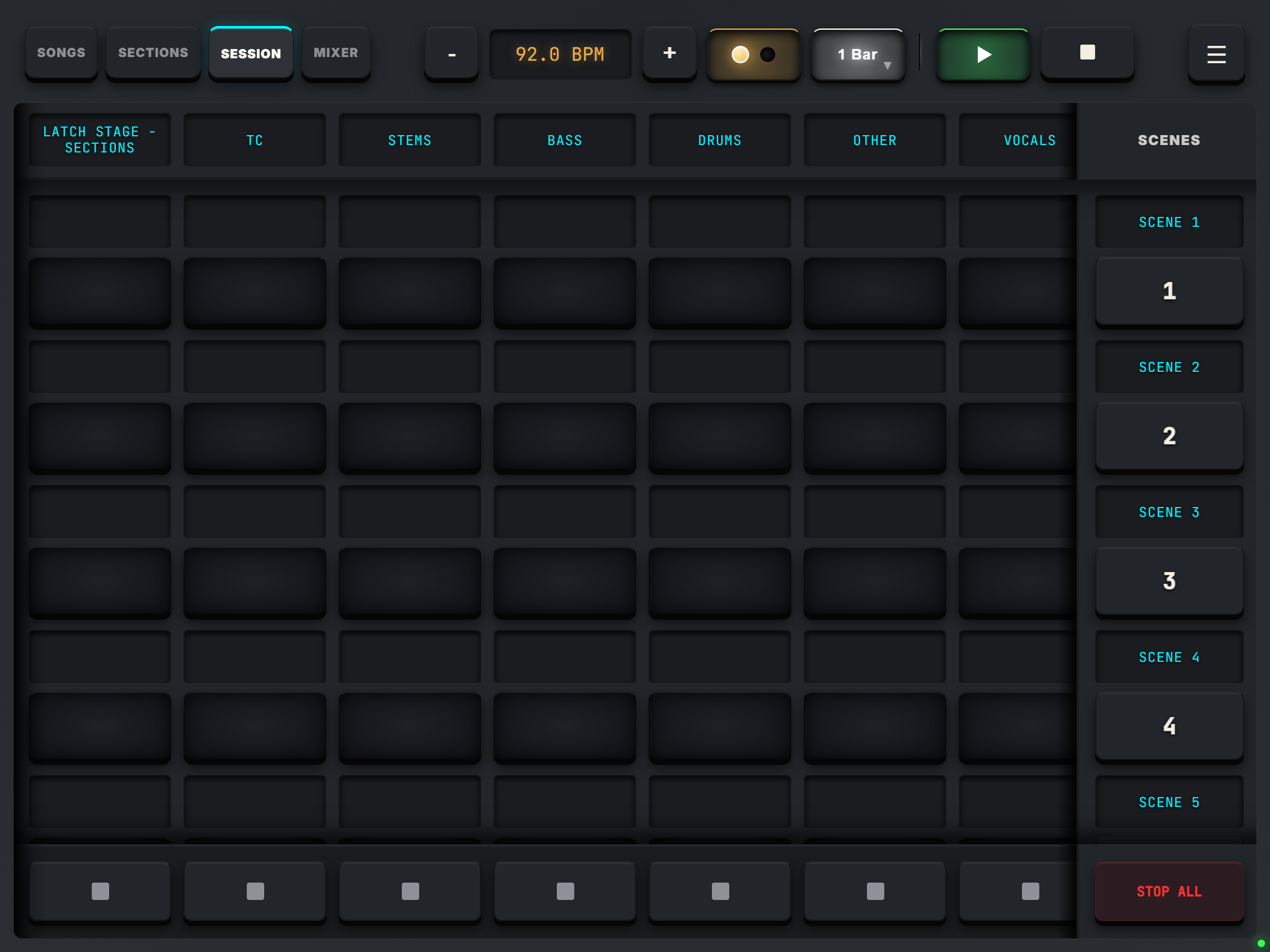
Live’s clip grid, mirrored: tracks across, scenes down.
Clip slots show each clip’s name and colour, and tapping any slot launches it.
It suits shows built as clips instead of a timeline, and reaching one particular clip in the middle of a song.
Key features#
- Launch clips. Tap a slot to launch it. Playing clips pulse; a triggered clip blinks until the quantisation point.
- Scenes. The column on the right fires whole scenes by name.
- Stop. The bottom row stops one track; STOP ALL stops everything.
- Quantisation. Every clip and scene launch follows Live’s global launch quantisation.
- Safe scrolling. Dragging across the pads scrolls the grid and never fires a clip.
- Works in Timeline mode. You can fire clips and scenes from here during a timeline show; the setlist and song tracking carry on.
On stage role#
For clip-based sets, and for the moment you need one interlude or stem right now.
Editions & requirements#
- Editions: Suite
- Requirements: Ableton Live 11 or 12 running on macOS or Windows; any tablet, phone, or laptop browser connected over the local network.