
Session ViewSuite
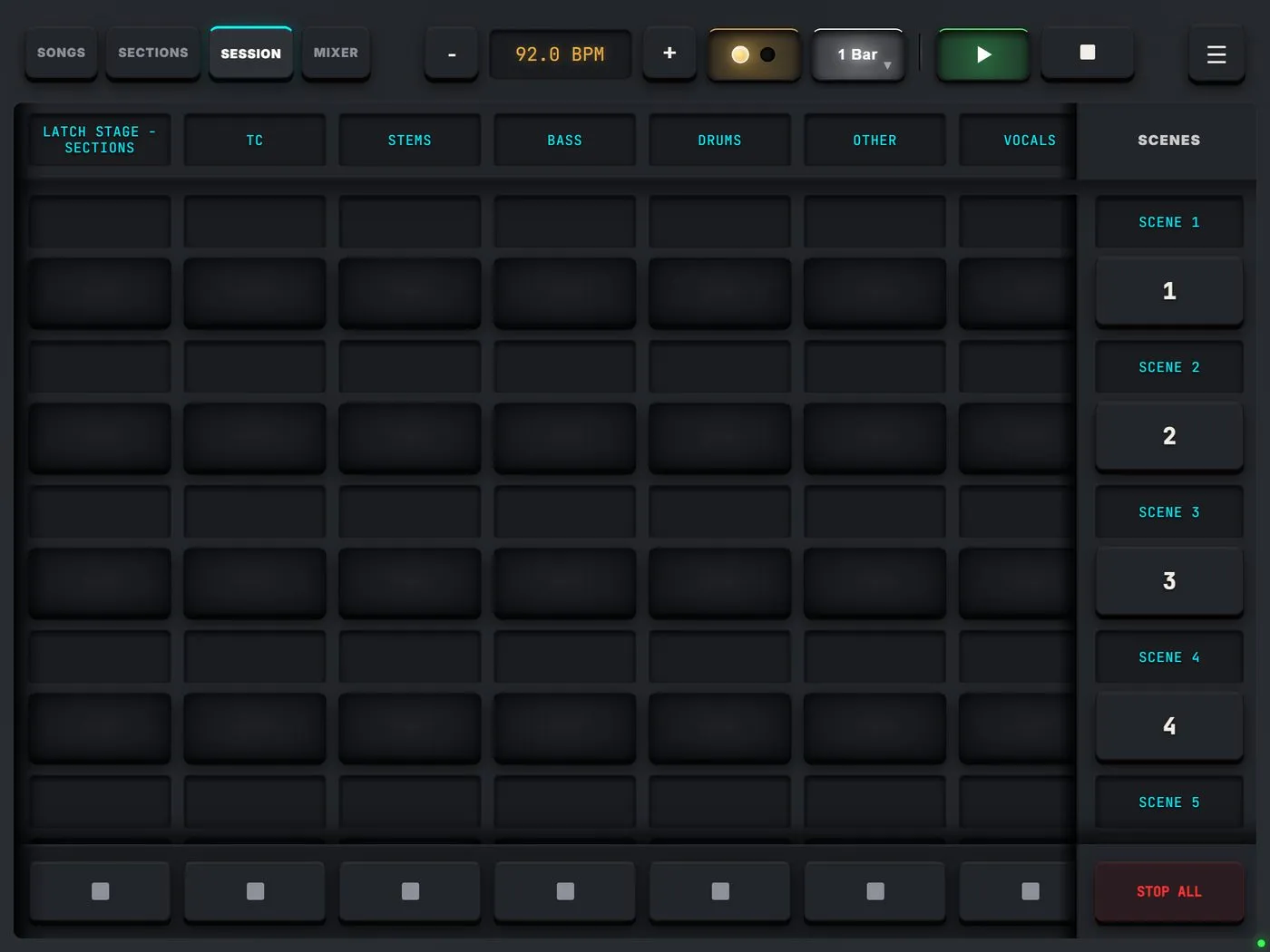
Live’s clip grid, mirrored: tracks across, scenes down.
- Clip slots show the clip’s name and colour. Tapping one launches it.
- The SCENES column on the right launches whole scenes by name: the Live scene itself, whatever the Setlist Source Mode (§8.1). The pad for the active scene remains lit while the scene is active, and pulses only while triggered.
- Active scene centering: When an active scene starts, when the grid is built, or when the Session View opens, the grid automatically centers and scrolls the active scene into view.
- In Timeline mode firing a scene from the SCENES column does not count as a song: the setlist, the song highlight on other screens, the played marks and the show timer follow scenes only in Session mode.
- The stop row at the bottom stops the playing clip on an individual track, and a stop-all control stops everything.
- Playing clips pulse; triggered clips blink until the quantisation point.
- Launches obey the global quantisation setting.
- A drag across a pad is treated as a scroll, not a launch, so scrolling the grid on a tablet never fires a clip by accident.
Session View is for shows built as clips rather than as a timeline, and for the moments in any show where the operator needs to reach one specific clip directly.