
Tech GuideSuite
The technical guide of the show, held inside the application and synchronised across the
crew (/techguide).
19.1 What it holds#
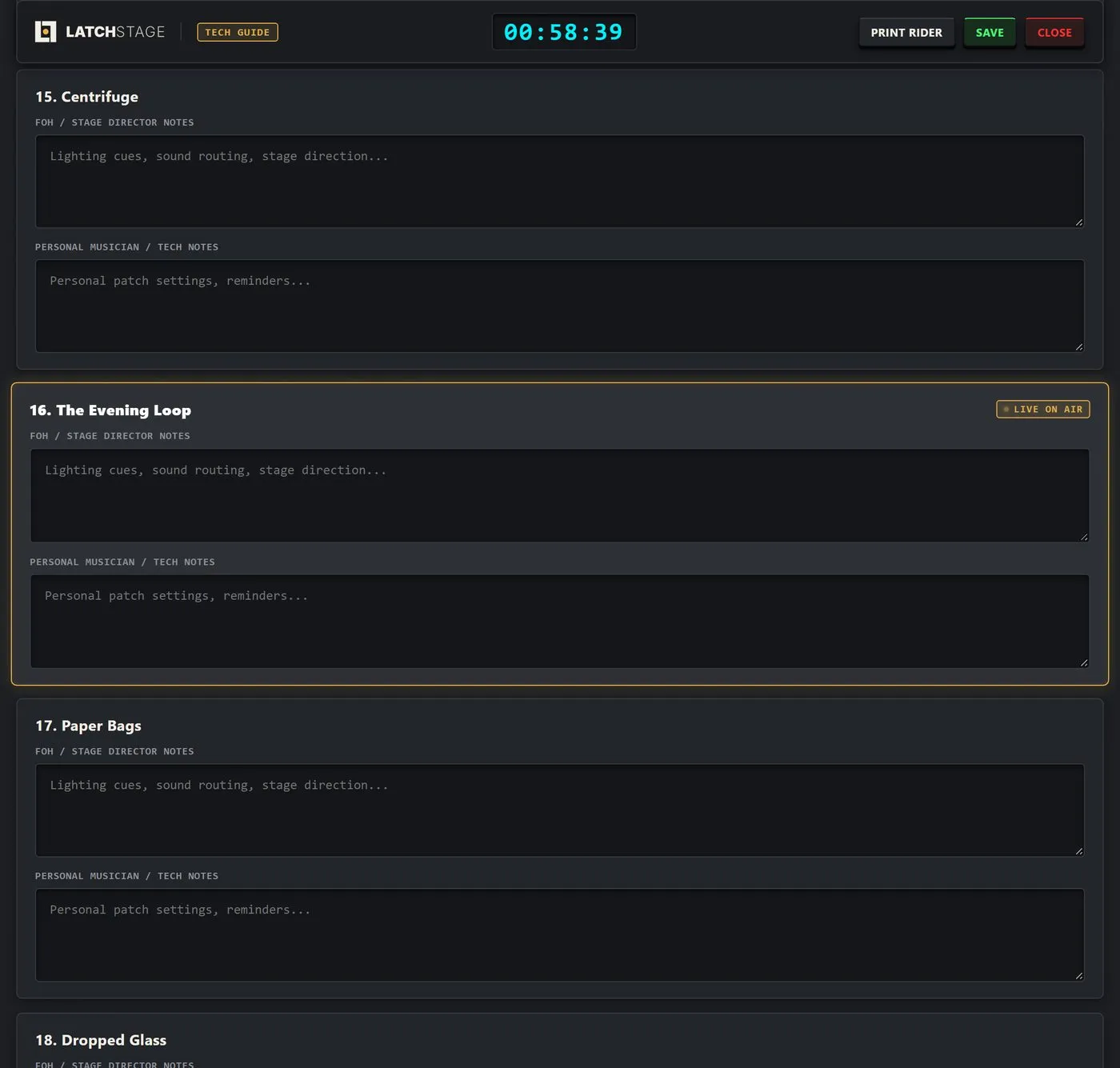
- Show Master Notes. One text area for the whole show: FOH routing, lighting cues, stage directions.
- One card per song, in setlist order, each with two note fields:
- FOH / Stage Director Notes. Shared, identical on every screen.
- Personal notes. Private to the device that wrote them, so each musician keeps their own patch settings and reminders. The host stores them, filed under an ID that the tablet’s browser keeps; if the browser’s data is cleared, the device gets a new ID and its earlier notes no longer appear.
19.2 Who may write what#
The host machine is the master. It edits the master notes and the per-song FOH notes. On every other device the FOH fields are marked (Read-Only) and locked, and so is the Show Master Notes box: those devices write and save only their own personal notes. The guide has one author, and the crew reads a single version of it.
19.3 During the show#
The card for the playing song is highlighted, played songs are marked, and the show timer runs in the header.
19.4 Printing the guide#
PRINT GUIDE produces an A4 document of the whole guide (master notes and every song card), laid out for print with a document header and footer. This is the copy handed to the crew and to the house engineer at load-in. The guide follows the show set in Sections, like the Songs view: muted songs are left out, on screen and on paper.